
Running the Code
Running the IGVC 2026 software is relatively straight forward. Before we start, please make sure you completely followed the Software Installation wiki page.
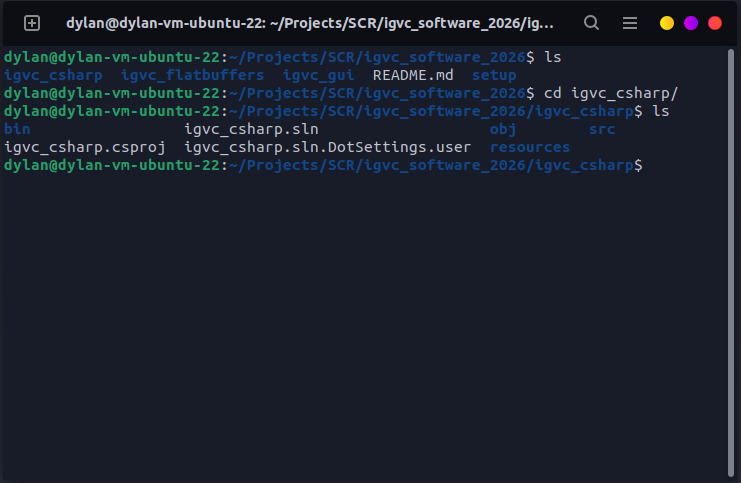
First, naviate to the igvc_csharp directory (your directory may not include bin or obj yet, those are artifacts from building the project).
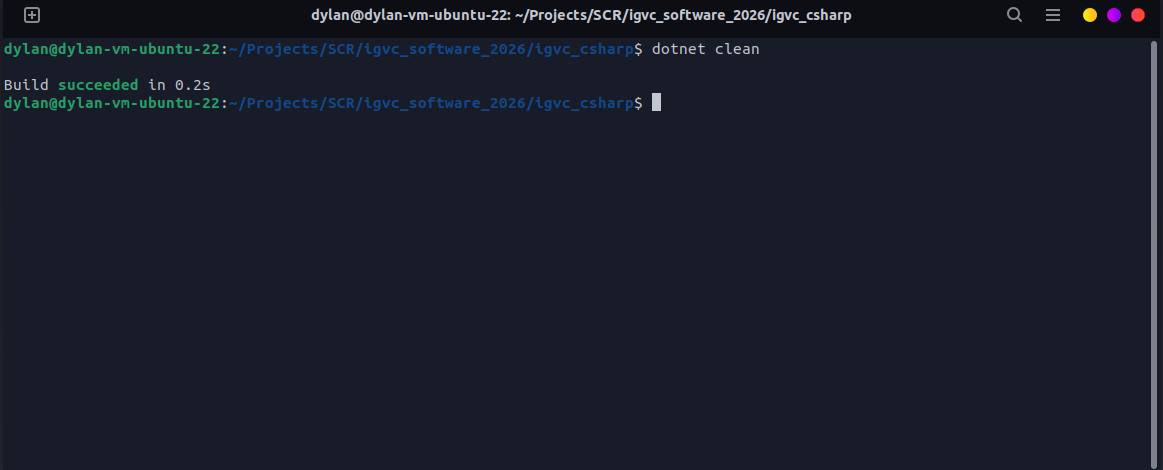
Next, run dotnet clean. This will clean up the project and create a fresh build, if there are any errors here try to resolve them. Any errors found that the standard setup guide does not resolve will be listed below.
And finally, run dotnet run. You may get a few warnings, that's okay for now. You'll see something similar to the following.
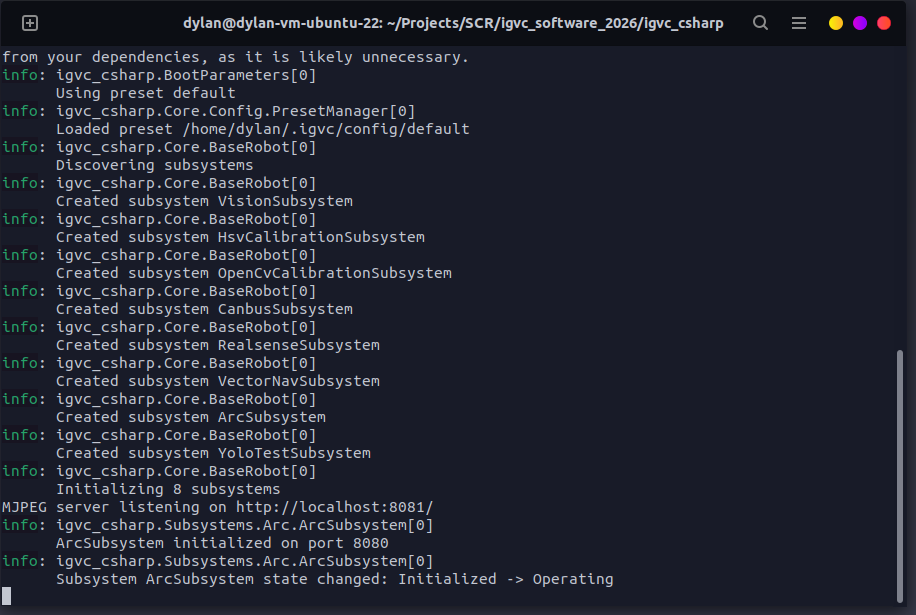
You can change your configuration preset by running dotnet run -- --preset simulation but that doesn't currently exist yet. The future plan is for there to be a few premade presets.