Mechanical
Overview
Welcome to the mechanical onboarding for the 2025-2026 school year!
Goals
- Learning
- How do we use CAD software in SCR?
- What is a part file?
- How can you import part files?
- What is an assembly file?
- Practical
- How to use Onshape
- How to design parts for 3D printing
- Export, slice, and print 3D models
Getting Started
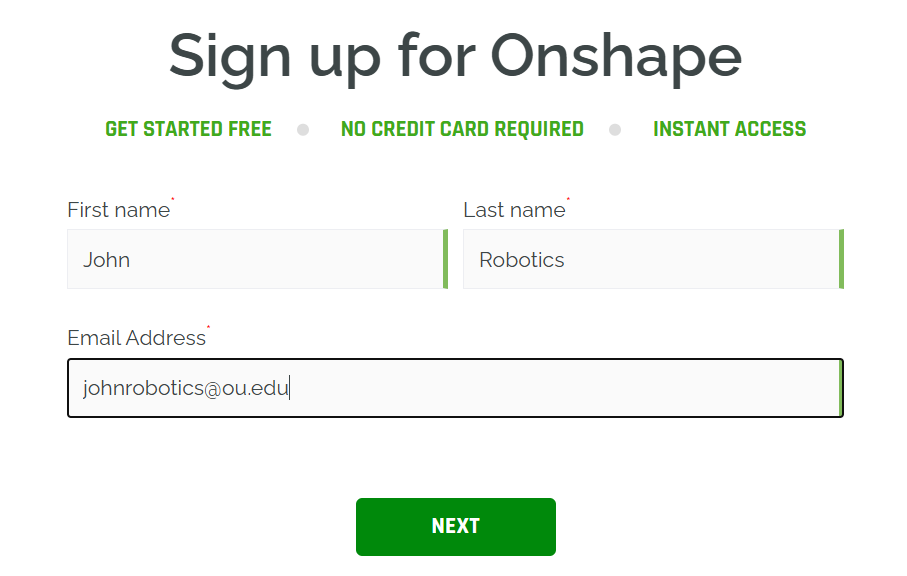
Create an OnShape account
Joining The Onboarding Team
Send your Onshape account email in the onboarding-mechanical discord channel.
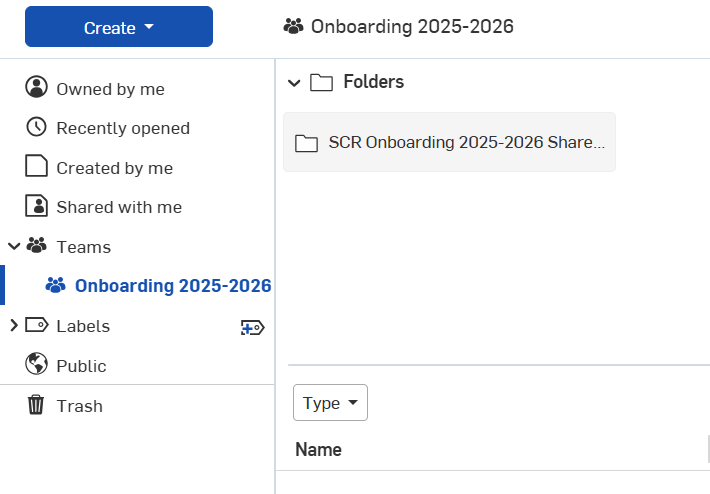
Once you've been added to the team you should be able to see the shared parts folder for onboarding.
Creating Parts
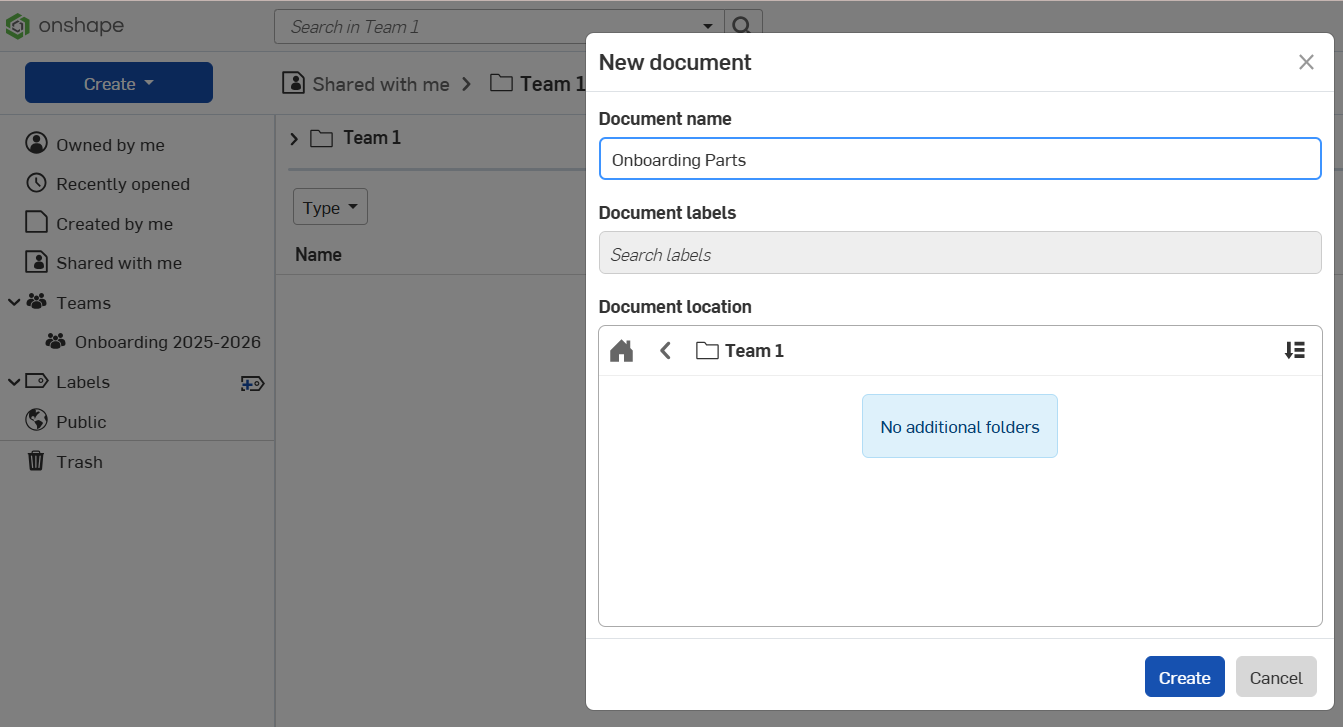
and create a document for your parts in your teams onboarding folder