
Week 2 - Mechanical
Overview
In this onboarding, you will make an Onshape account and get added to the SCR Onshape, along with learning the basics of CAD.
Goals
- Creating an Onshape account and getting added to the SCR Onshape
- Practical
- How to draw a sketch
- How to use extrude to create a basic part
- How to use linear pattern to make many features at once
- How to mate parts together in an assembly
Don't be afraid to ask for help!
If you are having trouble during this session, that is okay! We don't expect you to get everything perfect during your first attempt. Our officers are here to assist you.
What is MCAD?
Computer-Aided Design (CAD) is the use of various programs and tools on a computer to assist engineers with design. Mechanical CAD (MCAD) refers specifically to tools for mechanical design, although it is common for MCAD to just be referred to as CAD. The most common application of MCAD is 3D design of parts and assemblies.
Part Design
Part design involves creating 3D objects. The workflow for creating a part is below:
- Create a sketch
- The sketch is often a cross-section of the part you are creating
- Draw the geometry with various tools such as lines, rectangles, circles, etc.
- Define the dimensions of the geometry using the dimension tool
- Bring your sketch into the third dimension with tools such as extrude, revolve, etc
Creating an Onshape Account
Onshape is an online browser-based MCAD program, so no download is needed. If you already have an Onshape account, feel free to skip to "Getting added to the SCR Onshape". To create your Onshape account, go to this link:
https://www.onshape.com/en/sign-up
Steps to Create Account
- Enter your school email
- Select education
- Select student and college
- Select the student plan (should be the only option on screen)
- There will be some information to enter after selecting your plan. Enter the following:
- University of Oklahoma (OK-USA)
- ou.edu
- Graduation year
- Major
I will be using Onshape for design work on a competitive robotics team.
Getting added to the SCR Onshape
Send your Onshape email to onboarding-2026 in the Discord. We will add you to Onshape, and you should get an email with the invitation.
OnShape Introduction
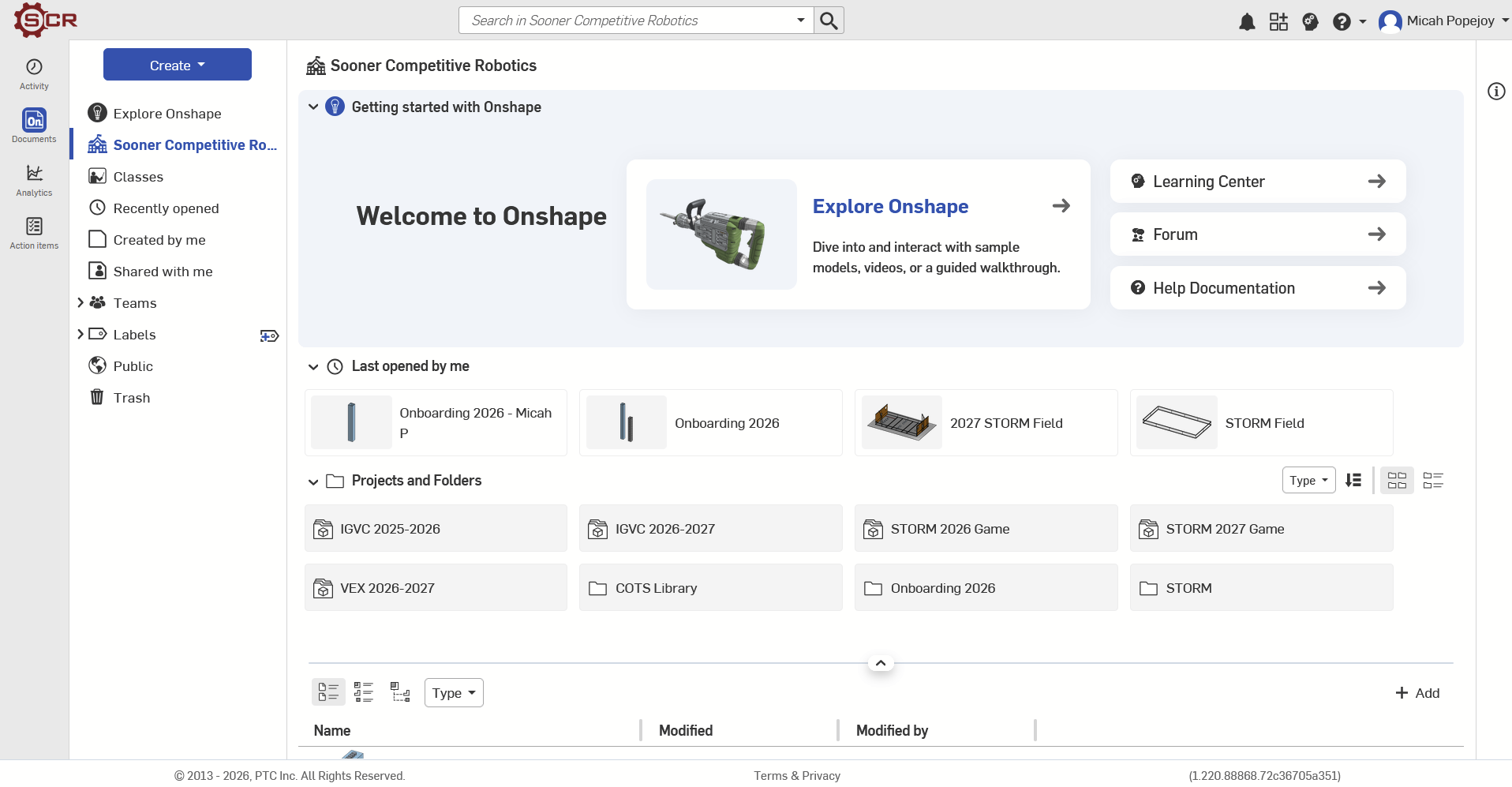
Congrats! You now have an Onshape account and have been added to the SCR Onshape! You should see a screen similar to this.
Important Topics Covered
- sketches
- dimensions
- constraints
- construction?
- patterns?
- the "use/project" feature?
- extruding
- revolving too?
- thicken lowkey kinda nice too
- the hole tool is also probably good
- assemblies
- importing from your own part studio
- importing from another part studio
- uploading a file? exporting?
- mating
- probably just a fixed or maybe a revolute, don't really ever need the others